

Your Free Banana Prompts Library
Master Gemini 2.5 Flash with ready-to-use prompts. Copy, paste, and create stunning AI images instantly—perfect for beginners.
Ready-to-Use Banana Prompts for Gemini 2.5 Flash
Copy-paste tested prompts and start creating immediately. Each prompt delivers professional results—no AI experience needed.

A cinematic photo of a person (using the face and attire from your uploaded reference image) sitting casually on a bean bag, holding a cigar. They are surrounded by famous horror movie villains including Jason Voorhees, Michael Myers, Chucky, Pennywise the Clown, and Ghostface, all seated together on a couch as if having an informal gathering and smoking cigars. The scene takes place indoors with moody and dramatic lighting. Warm tones illuminate the person while eerie shadows fall across the horror villains, creating a surreal and atmospheric contrast. Cinematic composition with dark, theatrical ambiance.

Cinematic street photography featuring a stylish young woman in motion through an urban environment. Dynamic motion blur effect captures the energy of the city, with blurred pedestrians passing by in the background. Shot with shallow depth of field and natural overcast lighting, creating soft pastel tones throughout the scene. Editorial fashion photography style with a candid moment, emphasizing dynamic movement. Film aesthetic with muted colors and artistic atmosphere.

Without changing her original face, create a portrait of a beautiful young woman with porcelain-white skin, captured with a 1990s-style camera using a direct front flash. Her messy dark brown hair is tied up, posing with a calm yet playful smile. She wears a modern oversized cream sweater. The background is a dark white wall covered with aesthetic magazine posters and stickers, evoking a cozy bedroom or personal room atmosphere under dim lighting.

Create a 1/7 scale commercialized figurine of the characters in the picture, in a realistic style, in a real environment. The figurine is placed on a computer desk. The figurine has a round transparent acrylic base, with no text on the base. The content on the computer screen is a 3D modeling process of this figurine. Next to the computer screen is a toy packaging box, designed in a style reminiscent of high-quality collectible figures, printed with original artwork.

An ethereal underwater portrait featuring a person floating gracefully beneath crystal-clear water. Sunlight penetrates from above, creating mesmerizing caustic light patterns dancing across their face and body. Natural volumetric lighting, bubbles rising, flowing hair and fabric. Serene expression, eyes gently closed. Shot with underwater housing, natural color palette with blue-green tones, high detail, photorealistic, fine art photography aesthetic.

Full body portrait of a rugged man attached in the photo with same hair wearing a dark hooded track jacket and dark cargo pants with sneakers, sitting comfortably on a luxurious dark leather sofa. A large, majestic male lion is calmly resting with its head on the man's lap, appearing relaxed and docile. The man is gently petting the lion. The background is a dimly lit, opulent room with dark curtains, a patterned rug, and a classic wall sconce. Rich, dramatic, cinematic lighting, high contrast, surreal, editorial photography, high detail, photorealistic.
How to Use Banana Prompts in 3 Steps
Start creating professional AI images in under 2 minutes
Open Nano Banana
Visit Google AI Studio and sign in with your Google account—it's completely free
Upload Your Picture
Click the upload button and select the image you want to edit or enhance
Use the Prompt Below
Copy any prompt from our library, paste it, and hit generate—your AI image is ready!
Beginner-Friendly Video Tutorials
Watch and learn—see exactly how to use Banana Prompts with Gemini 2.5 Flash in minutes
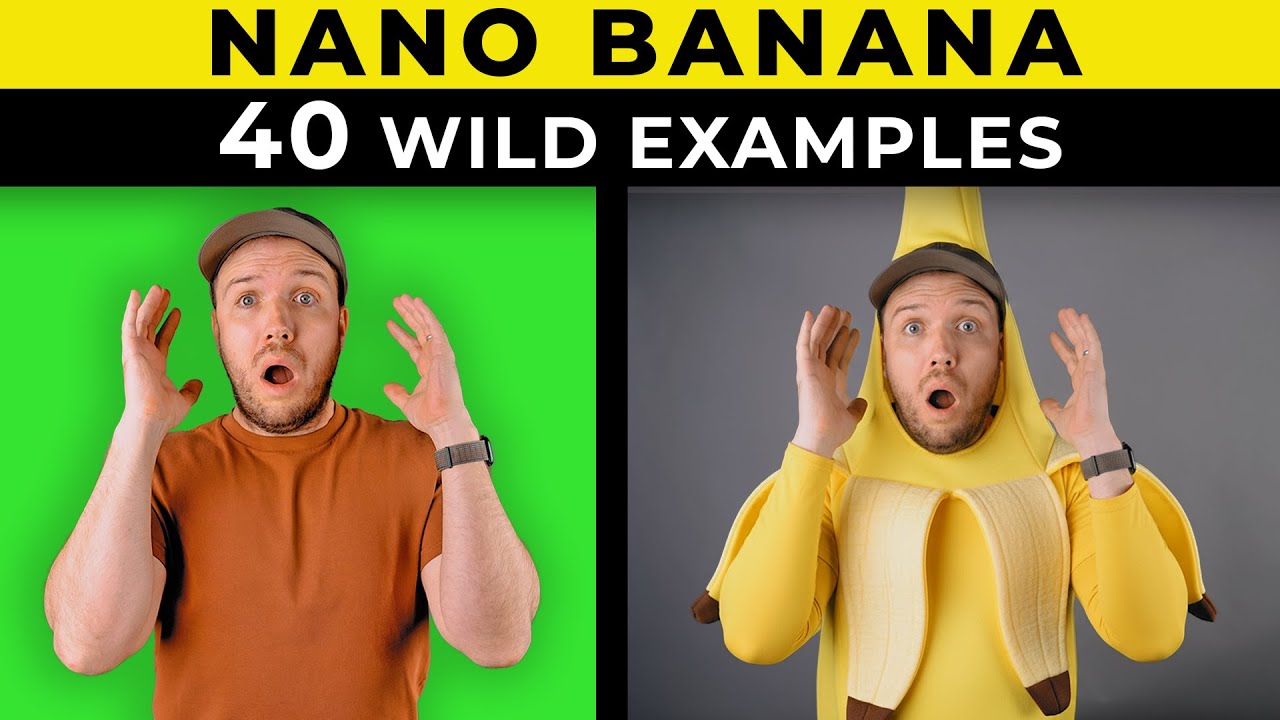
Nano Banana PRO tips! and 40 Creative Prompts You Have To Try
And people still think that AI cannot replace their jobs 😂
50+ INSANE Ways To Use Nano Banana (For FREE)
PRO TIP: NEVER say "colorize" or you'll get Ted Turner late 1980s poor coloring that looks like a "colorized" image. Instead, tell it something like "recreate these people in this place with the same pose and clothes, taken with a modern SLR camera". Just AVOID the word "colorize". You'll get much better color results.
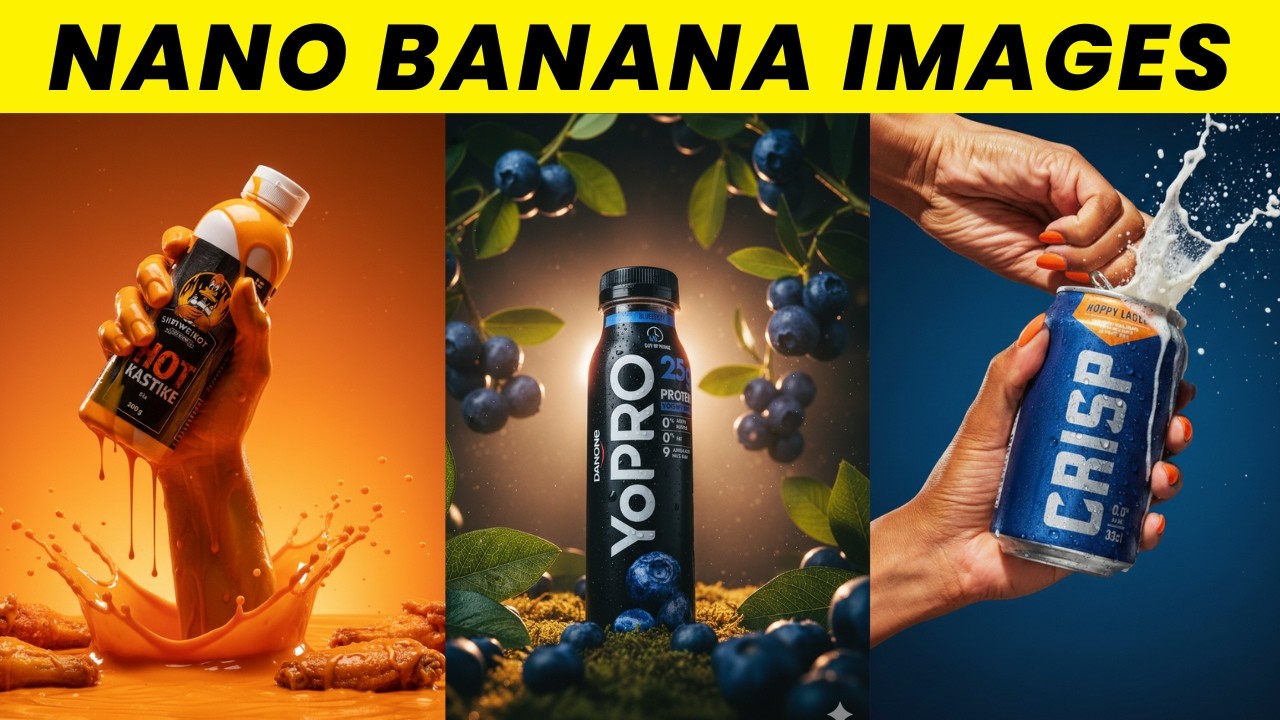
Nano Banana INSANE Product Photos (Gemini 2.5 Flash TUTORIAL)
I still believe the most people that will benefit from this are designers.... Are because it's about creativity, if you don't know what's missing, or what needed to be added, then you can produce like a designer or editor....
Why Beginners Love Banana Prompts
Start creating professional AI images today—no learning curve required
Copy-Paste Ready Prompts
Every prompt is tested and ready to use. Just copy, paste into Gemini 2.5 Flash, and watch the magic happen
Video Tutorials for Beginners
Follow along with easy step-by-step video guides. Learn by doing, not by reading manuals
Free Community Support
Get inspired by real examples from creators worldwide. See what's possible before you start
Grow at Your Own Pace
Start with simple prompts, then explore advanced techniques like multi-image editing when you're ready
Quick Answers for Beginners
New to AI image generation? Start here—we've answered the most common questions